
Czech Post is a traditional Czech carrier with a wide range of services. Small and large parcels, letters, express or valuable shipments, domestic and international – with Czech Post, you can send almost anything. Like other carriers, Czech Post offers delivery to an address, pickup points, and self-service lockers. A major advantage is its extensive network of branches throughout the Czech Republic. In this guide, you’ll learn how to easily integrate Czech Post services into your WooCommerce store.
The e-shop name, owner, and address used in this guide are fictional.
Registration with Czech Post
To offer Czech Post shipping services in your online store and process shipments online, you must first sign a contract with Czech Post and create an account in the PoštaOnline Client Zone.
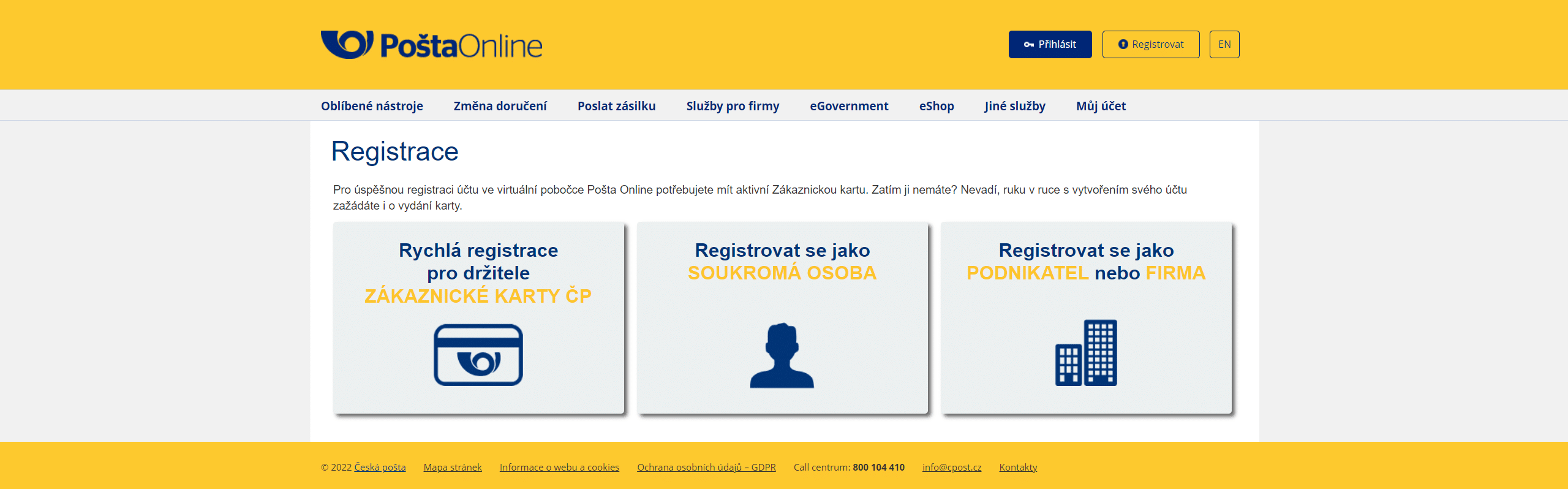
Go to https://www.postaonline.cz/ and click Register in the top right corner.

You will see a registration options page where you choose how you want to register. If you are a Customer Card holder, you can select the first option (Quick registration for Czech Post Customer Card holders). Otherwise, choose the appropriate option depending on whether you are a private individual, sole trader, or company. Since we are discussing adding Czech Post shipping services to your e-shop, you will most likely register as a sole trader or company with a business ID (IČO).
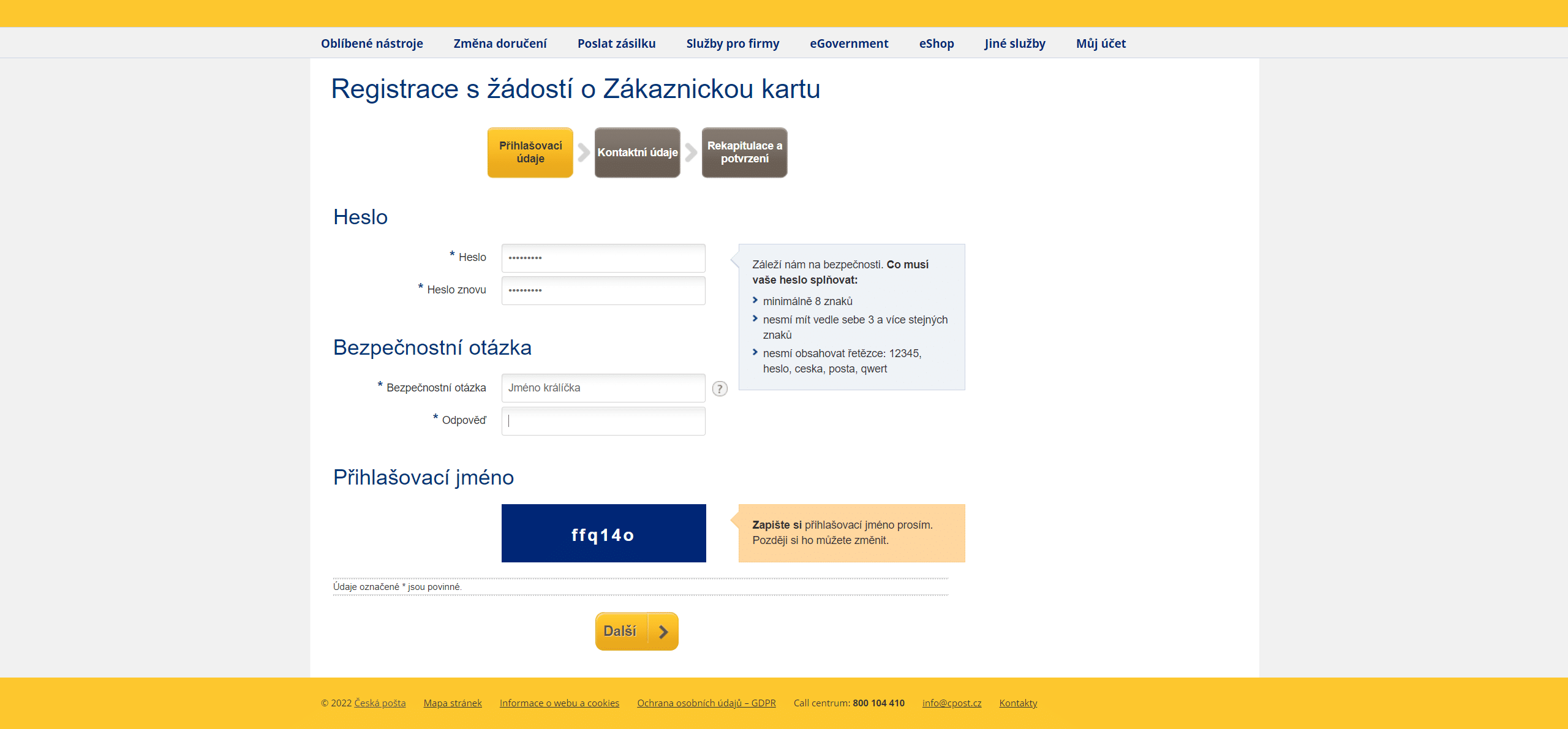
In the next step, fill in your Login details, such as password, security question, and username.
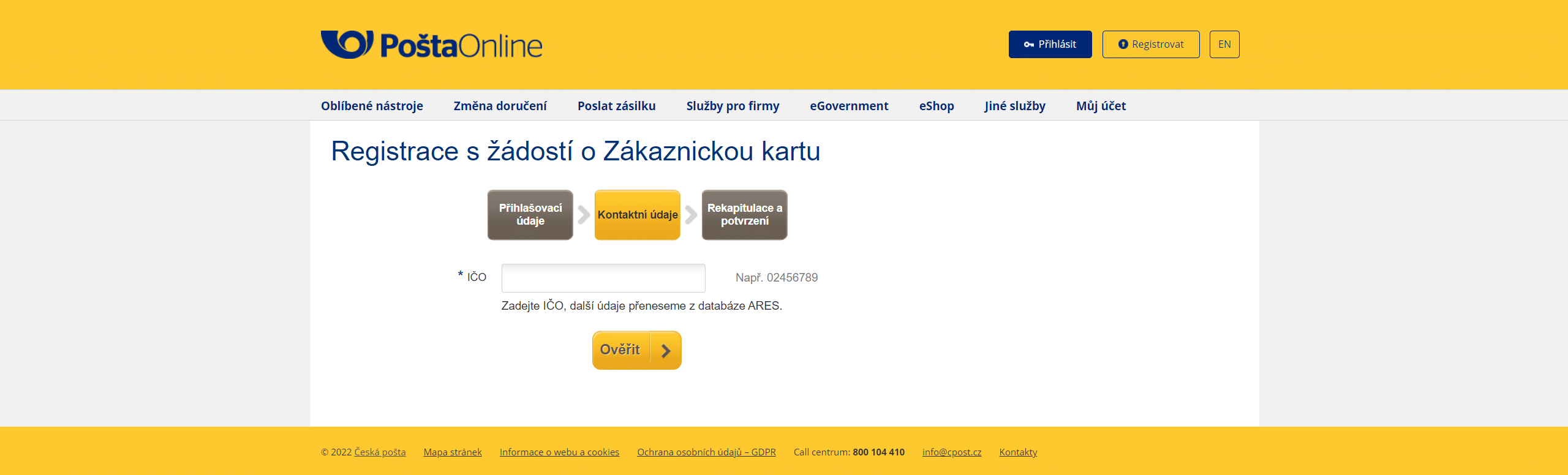
The following step is Contact details, where you enter your business ID (IČO) and click Verify.
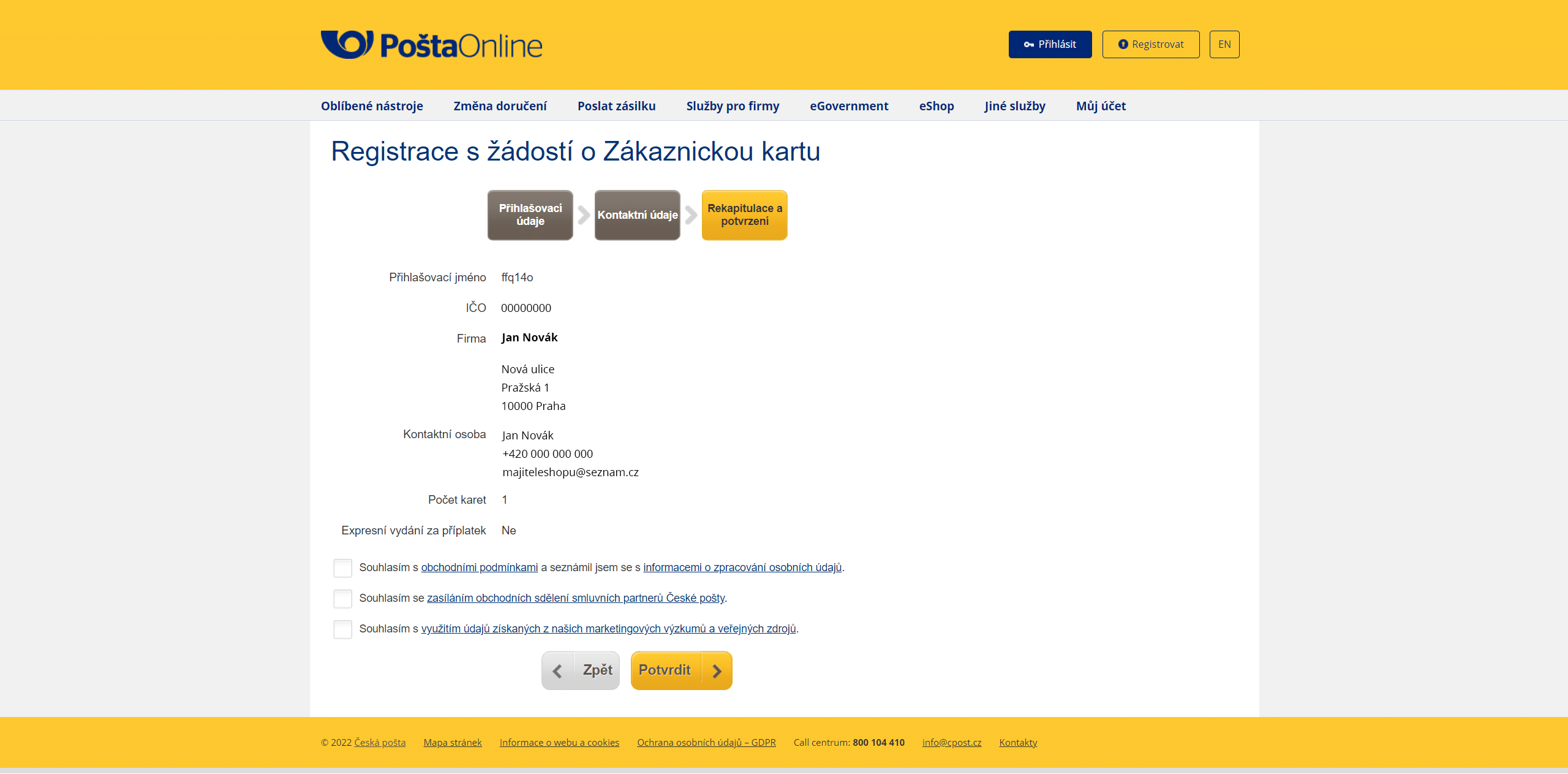
In the Summary and confirmation step, the system will display the details loaded from the business ID you entered. Confirm that you agree to the Terms and Conditions and check any additional required items. Then click Confirm.
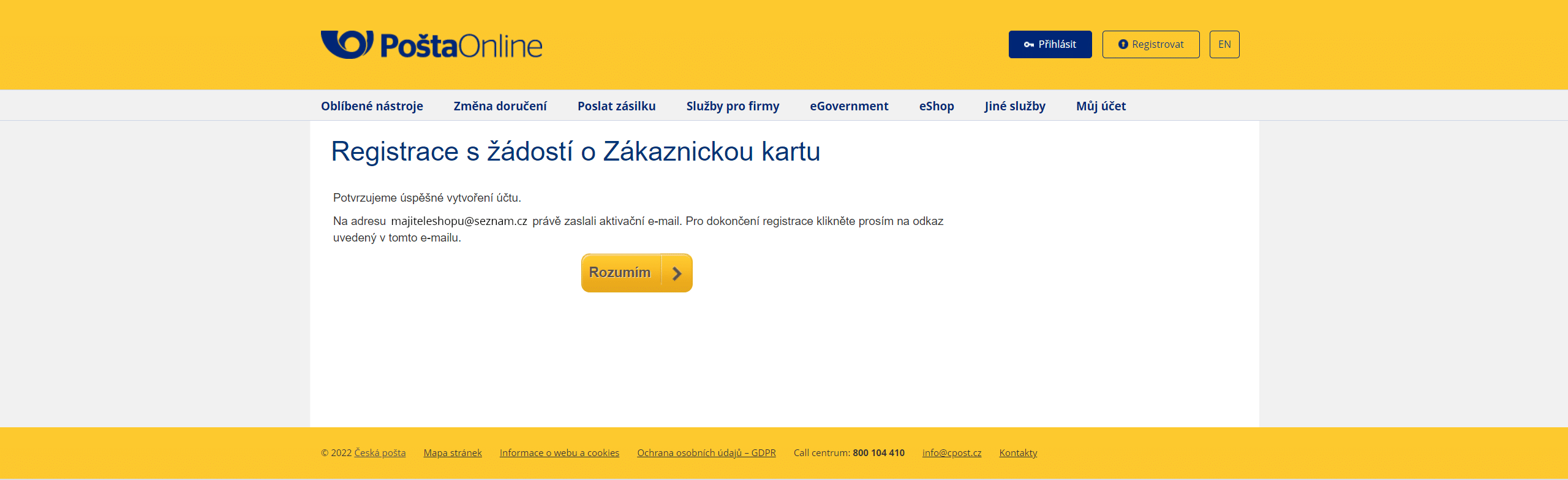
Registration is now complete. You will see a confirmation page indicating successful account creation, and you will receive an activation email at the address you provided. Click “I understand” and check your email to complete the registration by clicking the activation link sent by Czech Post.
Connecting Your WooCommerce Store with Czech Post
After successful registration and signing the contract with Czech Post, you can send shipments through their system. However, if you ship more than just a few parcels, manual processing becomes very inefficient. To create shipments directly from your e-shop administration and offer the carrier to customers at checkout, you will need the Czech Post plugin. This plugin connects your e-shop with Czech Post via API and significantly simplifies shipment management.
With this plugin:
- you can offer customers at checkout a wide range of delivery options – delivery to address, post office, or lockers, valuable, registered, oversized parcels, letters, and more
- you enhance your checkout with a clear map widget for selecting branches or parcel lockers
- you can fully configure pricing and conditions for individual shipping methods, including surcharges, cash on delivery, and free shipping
- you can fully manage shipments directly from your store administration – from creating shipments in the system and printing labels to tracking parcels in transit

How to Get Access to the Czech Post API?
To obtain API access credentials for Czech Post, you need to contact a Czech Post sales representative. You will then enter the implementation details into the Czech Post plugin. The entire installation, activation, and configuration process is explained step by step in the detailed documentation, or you can use the Convenient Plugin Installation service and have everything fully configured for you.
As you can see, integrating Czech Post into your e-shop is not complicated, and with the Toret Czech Post plugin, you can easily handle it even without programming knowledge. Start offering Czech Post delivery to your customers today.