
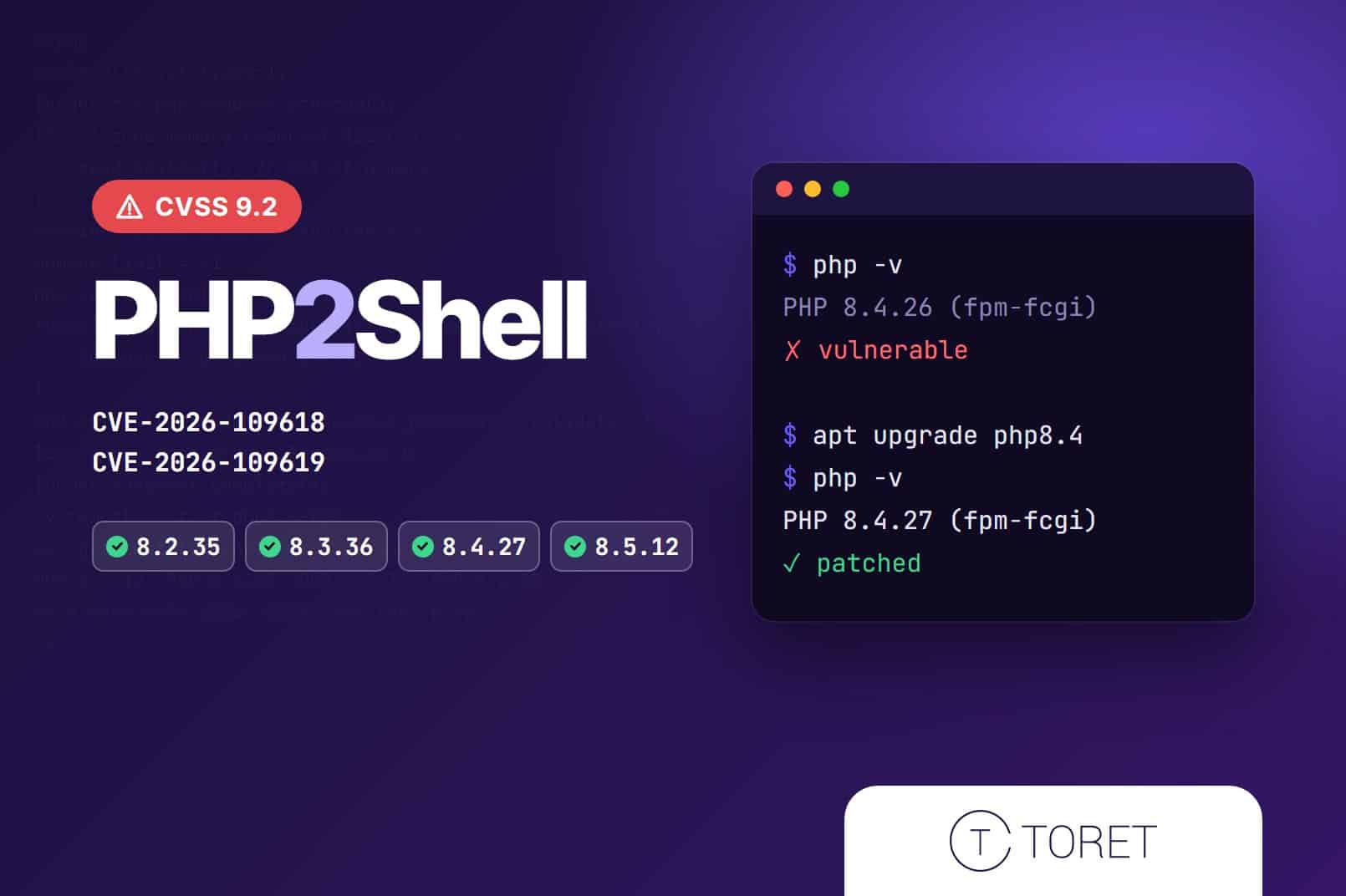
On 21 October 2026, the PHP developers released an emergency security update. It fixes two critical flaws that let an attacker run their own code on the server without logging in. WordPress and WooCommerce websites and stores are affected too.
The flaws have been nicknamed PHP2Shell, and attackers started trying them out even before the fix was released. Here is what is going on, which PHP versions are safe and what you should do. 👇
💡 The safe versions are PHP 8.5.12, 8.4.27, 8.3.36 and 8.2.35 and newer. You can find your site’s PHP version in WordPress under Tools > Site Health > Info > Server.
What is going on
These are two vulnerabilities in PHP itself, the language that WordPress, WooCommerce and most other websites run on. They are tracked as CVE-2026-109618 and CVE-2026-109619, and both are rated 9.2 out of 10 for severity (CVSS v4.0).
They allow an attacker to run their own code on the server without having to log in anywhere. No vulnerable plugin or WordPress bug is needed. It is enough for the site to run on an unpatched version of PHP.
In simple terms:
- CVE-2026-109618: when PHP runs out of memory while handling a request, it can leave corrupted data behind, which can then be abused.
- CVE-2026-109619: data from one request can stay in memory, and the next request handled by the same process can work with it.
All common ways of running PHP on a server are affected (PHP-FPM, Apache with mod_php, php-cgi, LiteSpeed and FrankenPHP). Apache with mod_php is the most at risk, because the attack works there even before the website itself starts.
The flaws had been hidden in PHP for many years. They were found by security researchers (including teams from Calif, Wiz and OpenAI) who used AI tools in their search.
How it unfolded
- On 17 October, Amazon recorded the first exploitation attempt on its honeypot servers, before the flaws were made public.
- On 20 October, the vulnerability IDs leaked online, so the PHP developers moved the release forward by a day.
- On 21 October at 14:00 UTC, the patched PHP versions came out. Cloudflare had already reported the first attacks that morning.
- The same day, CERT-EU and the UK National Cyber Security Centre issued warnings. Both recommend updating as soon as possible.
Which PHP versions are patched
The fix is included in these versions. If you are on an older release in the same branch, you need to update.
| PHP branch | Patched version | Security fixes until |
|---|---|---|
| PHP 8.5 | 8.5.12 | 31 Dec 2029 |
| PHP 8.4 | 8.4.27 | 31 Dec 2028 |
| PHP 8.3 | 8.3.36 | 31 Dec 2027 |
| PHP 8.2 | 8.2.35 | 31 Dec 2026 |
📌 Some hosting providers (and Linux distributions such as Debian or Ubuntu) apply the fix to their own packages, and the version number may stay the same. If you are not sure, ask your hosting provider whether they have applied the fix from 21 October 2026.
Which PHP versions are no longer supported
PHP 8.1 and all older versions no longer receive any security fixes from the PHP developers. For this flaw, they made an exception and published basic source code changes for PHP 7.4, 8.0 and 8.1. The hosting provider has to apply and build these changes themselves, though. No official new release will come out.
| PHP version | End of security fixes |
|---|---|
| PHP 8.1 | 31 Dec 2025 |
| PHP 8.0 | 26 Nov 2023 |
| PHP 7.4 | 28 Nov 2022 |
| PHP 7.3 and older | 2021 and earlier |
A large share of websites still runs on these old versions. According to WordPress.org statistics, more than a third of WordPress sites use PHP older than 8.2, and PHP 7.4 alone accounts for almost 16%.
⏳ Keep an eye on PHP 8.2 as well. Its security fixes end on 31 December 2026, which is two months away. If your site runs on it, plan the move to PHP 8.3 or 8.4 now.
Our plugins now require PHP 8.2
As of 22 October 2026, the minimum PHP version for our plugins is 8.2. Older PHP versions no longer receive security fixes, and after PHP2Shell, running an online store on them is an unnecessary risk.
📌 If your site runs on PHP 8.1 or older, move to PHP 8.2 or newer before you install the next update of our plugins. We recommend going straight to PHP 8.3 or 8.4, because PHP 8.2 only receives security fixes until the end of 2026.
How this relates to WordPress and WooCommerce
WordPress and WooCommerce are written in PHP. Every page view, add to cart and completed order is processed by PHP on the server. The flaw, however, is in PHP itself, not in WordPress, WooCommerce or plugins.
This means two things:
- Updating WordPress or plugins will not protect you this time. WordPress.org has confirmed that no WordPress update is required or planned. The only fix is to update PHP.
- Every site on an unpatched PHP version is at risk, no matter how carefully you keep WordPress up to date. Researchers demonstrated the attack on the current version of WordPress and on other systems (Drupal, Joomla, Magento).
For online stores, the risk is even higher, because the server holds customer data, orders and access credentials for payment gateways, carriers and invoicing services.
What can happen if you do not update PHP
An attacker who can run their own code on the server practically controls the website. They can, for example:
- steal the customer and order database (names, addresses, emails, phone numbers),
- modify the checkout and show customers a fake payment page or a script that captures the details they enter,
- obtain passwords and API keys for payment gateways, carriers, accounting software or email marketing (researchers showed that sensitive data can be read from PHP memory even without fully taking over the server),
- create a hidden administrator account or upload a backdoor that stays on the site even after PHP is updated,
- send spam from the server or inject links and pages with fraudulent content,
- use the server for cryptocurrency mining or further attacks, which slows the site down and can get it suspended by the hosting provider.
The consequences are not only technical. Google may flag the site as dangerous, emails from your domain may start landing in spam, and under the GDPR a leak of customers’ personal data usually has to be reported to the data protection authority within 72 hours. On top of that come lost sales, time spent cleaning up the site and lost customer trust.
The fixes are out and the attack method is publicly known. Unpatched servers will therefore remain a target of automated attacks for a long time.
What to do now
- Check your PHP version. In WordPress, you will find it under Tools > Site Health > Info > Server.
- Confirm with your hosting provider. On shared or managed hosting, the provider updates PHP. Ask whether they have already applied the fix from 21 October 2026. If you run your own VPS or server, update the PHP packages yourself and restart PHP-FPM or Apache so that the new version is running.
- Running PHP 8.1 or older? Move to a newer version. As of 22 October 2026, our plugins require PHP 8.2 or higher, and we recommend going straight to PHP 8.3 or 8.4. Make a backup before switching and ideally test everything on a staging copy of the site. After switching, check the cart, checkout and email sending in particular.
- Check whether the site has been compromised. Attacks have been running since 17 October. Go through the list of users (especially unknown accounts with high permissions), installed plugins and the Must-Use plugins tab. Sudden 500 errors or unusual checkout behaviour are also suspicious. If you find anything suspicious, change passwords and API keys.
- Temporary protection is not enough. A firewall (such as Cloudflare WAF) or a PHP setting change (
session.upload_progress.enabled = 0) only makes the attack harder. The PHP developers state clearly that updating is the only reliable protection. - Do not install any “fix” plugins or code from unverified sources. A plugin cannot fix a flaw in PHP. Be careful with emails offering a quick fix too, as they may be fraudulent.
🔎 The same week, WordPress dealt with one more incident, which is not related to the PHP flaw. On 18 and 19 October, attackers abused stolen UpdraftCentral connection keys and installed backdoors on sites running the UpdraftPlus plugin. If you use UpdraftPlus, make sure you have version 1.26.13 (Premium 2.26.13) or newer, and review your list of plugins and users.
Store Management clients are covered
If your website or store is in our Store Management service, you do not need to do anything. We have the PHP update covered on our side for all the sites we manage.
Don’t want to deal with situations like this yourself? With Store Management, we take care of updates for you and keep backups for 90 days, and if something breaks, you have an expert at hand who knows WooCommerce. You can focus on selling.